Click to Pay

What is Click to Pay?

card-payment

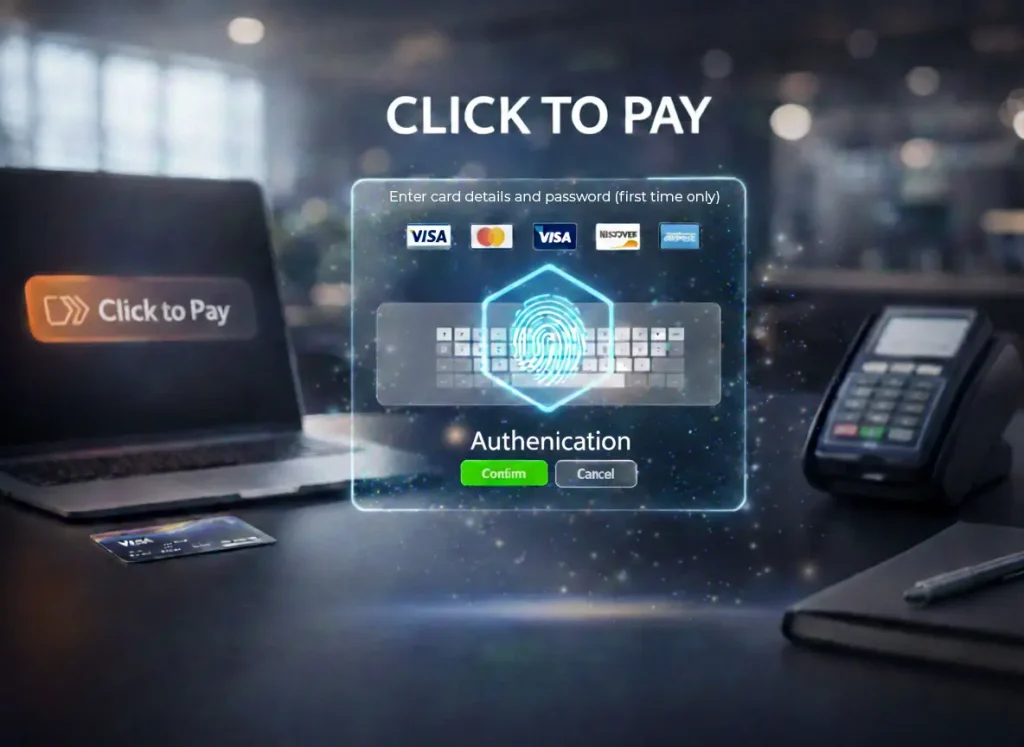
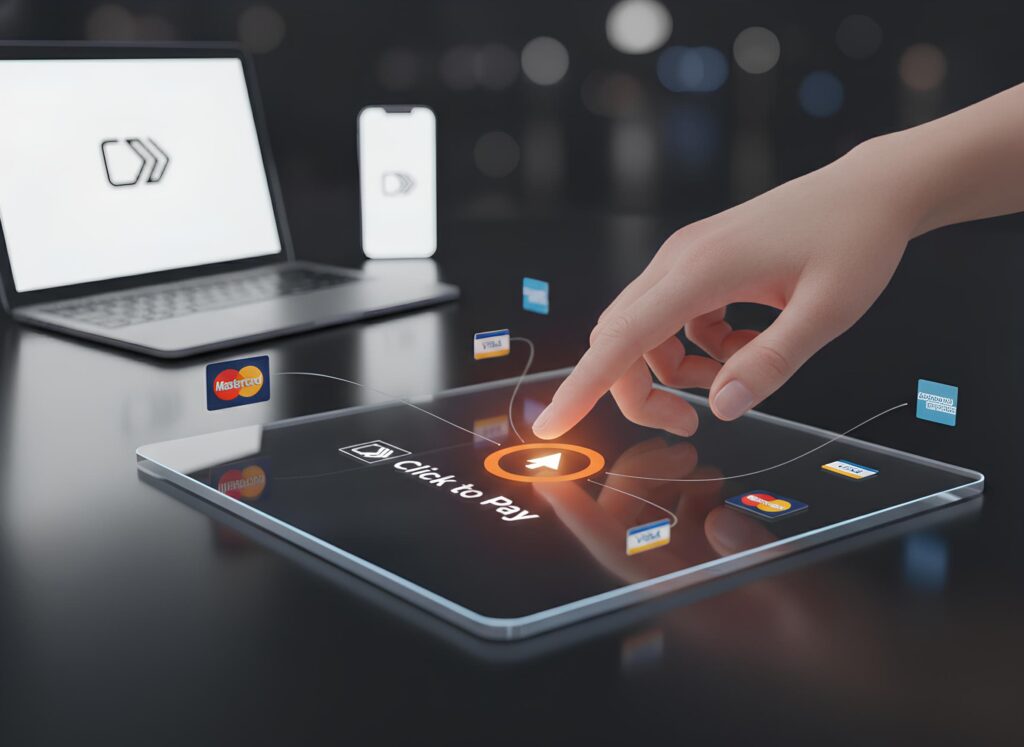
A new e-commerce payment method that eliminates the need to enter the full card number at checkout.

fingerprint

The transaction will be authenticated using biometric authentication (fingerprint, facial recognition, etc.).

Click to Pay incorporates Payment Passkey authentication, a global standard of the Fast Identity Online (FIDO).

select

Most card networks offer Click to Pay, including Visa, Mastercard, American Express, and Discover.
How does it work?

click to pay Pre-requisite

Pre-requisite:

Open Banking

Issuer should register the card with the card network. The card network will generate a token associated with the original card number.

Embedded Payments:

E-commerce merchants should be certified to accept Click to Pay as a payment method during checkout.

Cross-Border Payment Solutions

Binding of the customer device to the browser.

Customer journey:

First-time uses Click to Pay

Customer opens the merchant application on the mobile, selects the item, and goes to payment for checkout.

In the checkout, there will be many payment methods, and one of them is Click to Pay with the unique logo Click to Pay

Customer will select Click to Pay and will see all her/his eligible masked cards.

Customer will select one card and click on the payment button.

The issuer authenticates the customer, for example, through OTP.

Customer will see a prompt to register Passkey. When the customer accepts, they will receive a prompt to authenticate using biometrics (fingerprint, facial recognition, etc.). Once done, his device becomes registered. The passkey registration is done once to bind the specific device. If the customer uses another device, a new Passkey registration is required.

Customer completes the purchase.

Customer journey
Second-time uses Click to Pay

Second-time uses Click to Pay

Customer opens the merchant application on the mobile, selects the item, and goes to payment for checkout.

In the checkout, there will be many payment methods, and one of them is Click to Pay with the unique logo Click to Pay
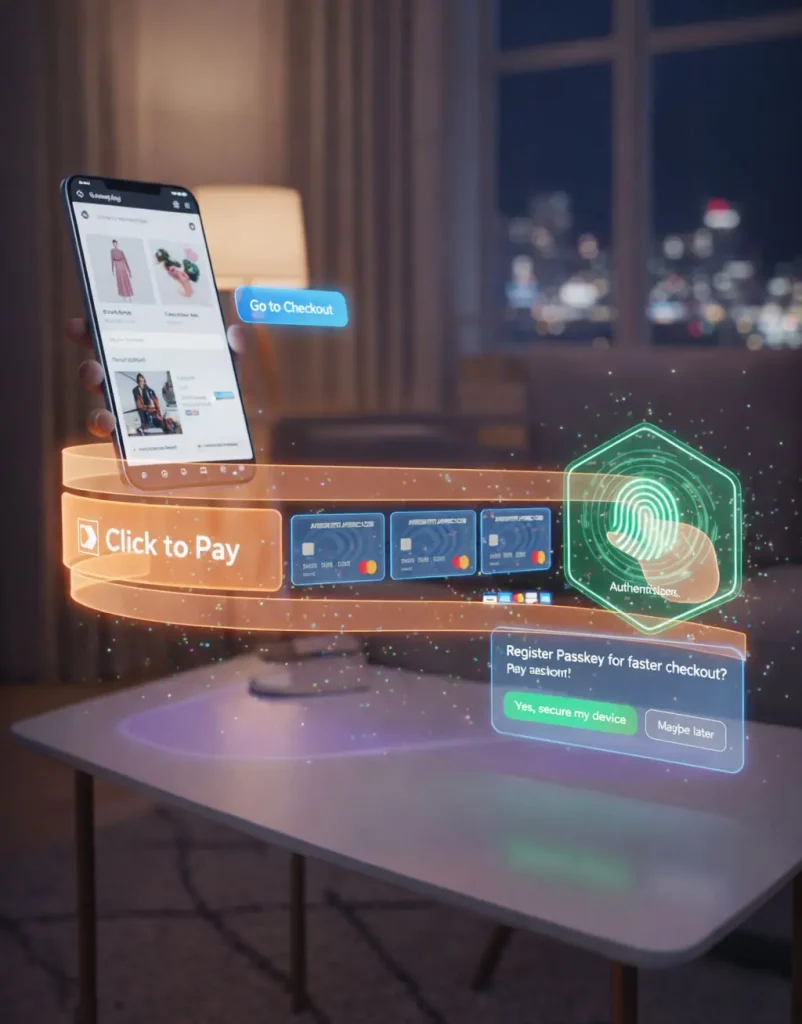
Customer will select Click to Pay, enter their registered email or mobile number, and will see all her/his eligible masked cards.

Customer will select one card and click on the payment button.

Customer will receive a prompt to authenticate using biometrics (fingerprint, facial recognition, etc.). Once done, the purchase is completed.

Benefits

limited-time

Seamless customer experience (frictionless):
Faster and easier—two clicks, and the customer completes the purchase.

smartphone

Reduce fraud:
Uses a token that protects against card number misuse by fraudsters.
The device is authenticated, so a fraudster will not be able to use another device.
More secure: FIDO Passkeys are unique and phishing-resistant.

trading

Dispute between Issuer (customer) and Acquirer (merchant):
Reduce disputes and associated costs. Offer fraud liability protection for the merchant.